What Is a Human-Readable URL? A Clear Definition and Basic Use
2026-06-23
TL;DR
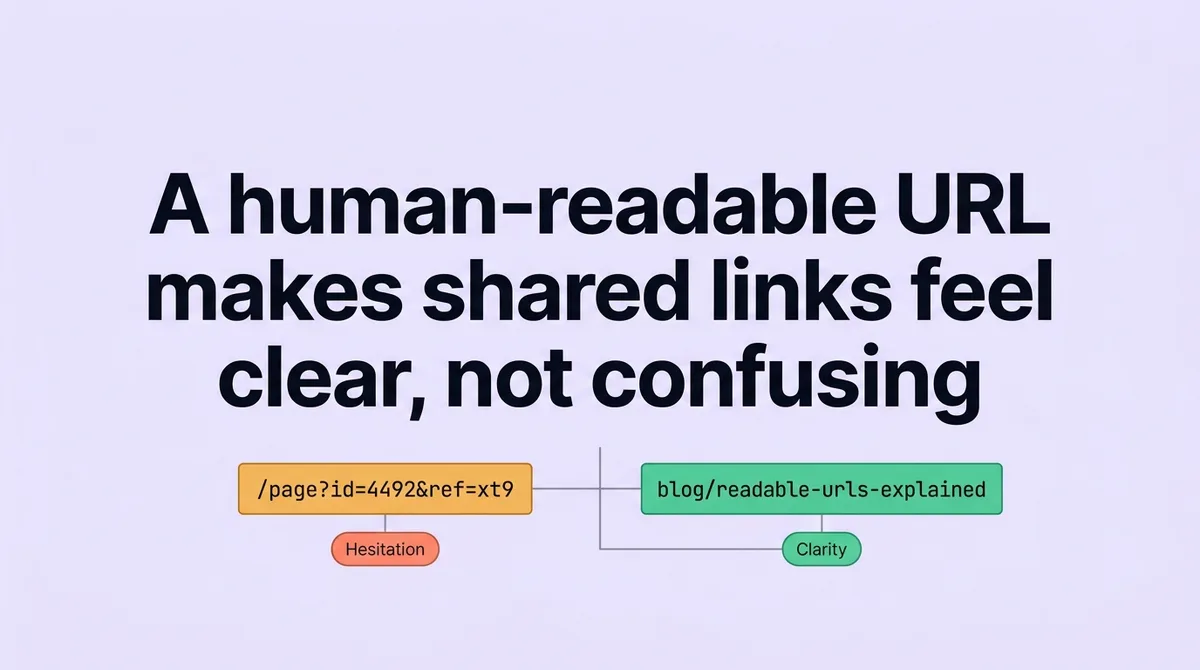
You paste a link into a proposal or shared doc. The address reads something like `/page?id=4492&ref=xt9`. The recipient has no idea where it leads. They hesitate. That hesitation is a small but real friction point that compounds across every link you share.
Most people assume shorter URLs solve the problem. They don't. A short address built from random tokens is just as unreadable as a long one. Brevity without meaning produces the same doubt.
A human-readable URL uses plain words that describe what the page contains. The structure puts those words in a logical order: domain, category, then topic. When both layers work together, any person reading the address can predict the destination before clicking. This article explains that two-layer system, who it applies to, and what breaks when you ignore it.
* * *
What Is a URL in Simple Terms?
A human-readable URL is a web address written in plain language that a person can interpret at a glance, without clicking or decoding.
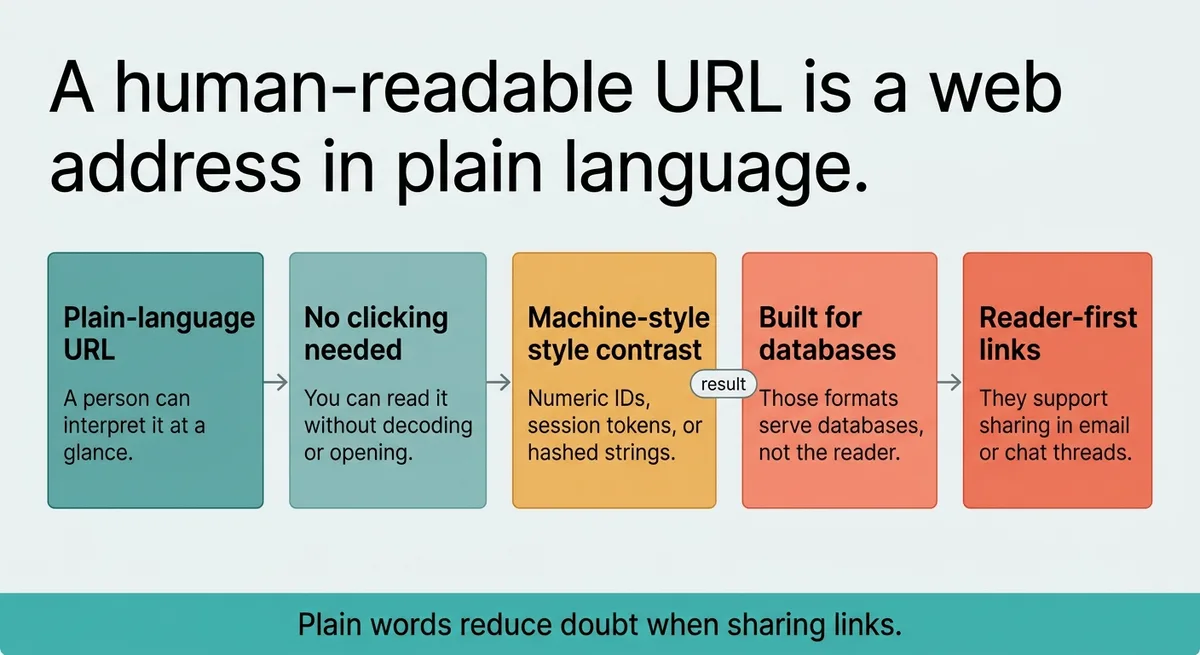
It contrasts with machine-generated addresses that use numeric IDs, session tokens, or hashed strings. Those formats serve databases. They don't serve the person reading the link in an email or a chat thread.
* * *
What a Human-Readable URL Actually Is and How It Works
A web address has a fixed anatomy. It starts with a protocol, then a domain, then a path. Most browsers process two standard protocols: HTTP and HTTPS [\[1\]](#ref-1). HTTP runs on port 80 and HTTPS runs on port 443 [\[1\]](#ref-1). HTTPS is now the baseline for any production site.
The path is where readability lives or dies.
A machine-generated path looks like `/p?node=8821&session=ab7f`. A human-readable path looks like `/blog/url-naming-guide`. Both point to a page. Only one tells you what the page contains before you arrive.
The core distinction: a readable address uses words a real person would choose to describe the content. Not an internal database key. Not a timestamp. Words.
This matters because web addresses appear outside browsers constantly. They show up in documents, presentations, printed materials, voice conversations, and text messages. In each context, the person receiving the address has no browser tooltip to preview the destination. The words in the address are the only signal they get.
The sting line: A URL is not a backend identifier. It is a public-facing label, and it gets read by people long before a server touches it.
Consider a concrete example. An operations manager shares a link to a process guide during a meeting. She reads it aloud. The address is `/ops/onboarding/new-hire-checklist`. Everyone in the room knows what it is. Compare that to `/portal/view?docid=3341`. Someone has to write that down and look it up later. One address communicates. The other creates follow-up work.
The structural rule is simple. Start with the domain. Follow it with a category path. End with a descriptive slug. Each segment adds context rather than obscuring it.
* * *
You Probably Think Any Short URL Is Good Enough , Here Is Why That Is Wrong
Stop assuming short means clear. Start asking whether a stranger can read the address cold and name the destination.
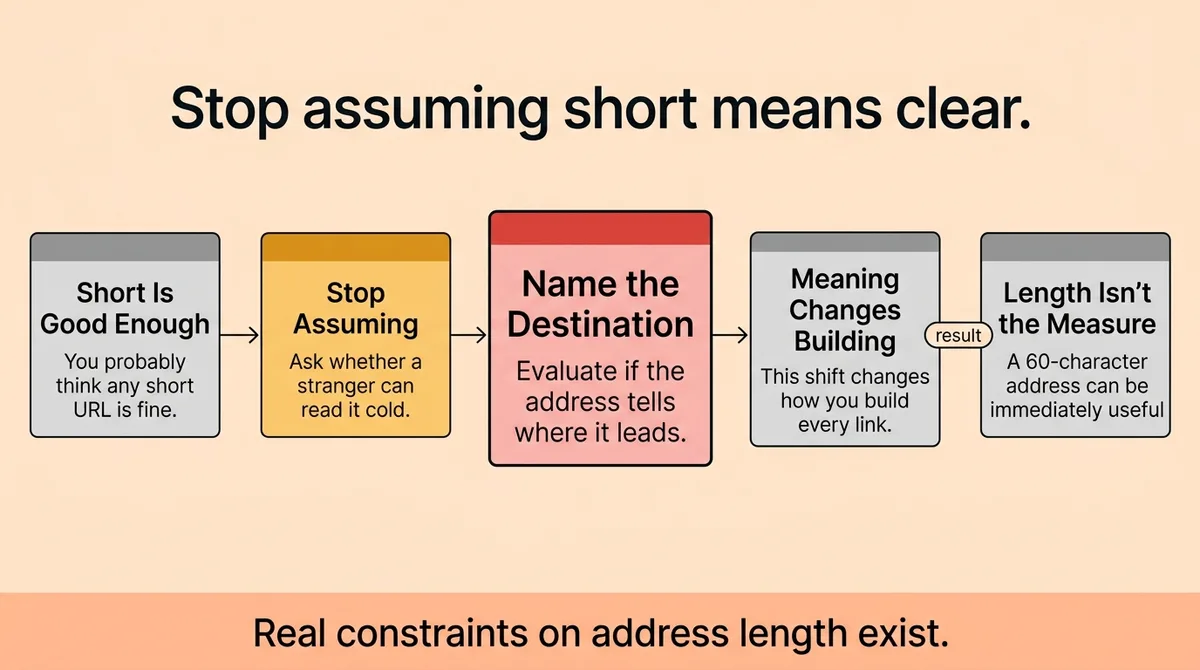
That shift in evaluation criteria changes how you build every link on your site.
A short URL like `yoursite.com/a7x9` is four characters long. It tells no one anything. A 60-character address like `yoursite.com/services/ai-workflow-audit` is longer but immediately useful. Length is not the measure. Meaning is.
Real constraints on address length exist. Keeping a URL under 650 characters maintains broad platform compatibility [\[2\]](#ref-2). Beyond that threshold, some tools, CRMs, and social platforms truncate or reject the address. For practical purposes, most readable addresses stay well within that range since plain words don't accumulate characters the way encoded parameters do.
At the outer edge, some browsers handle addresses up to 2,083 characters [\[2\]](#ref-2). That ceiling exists for technical reasons unrelated to readability. No readable address should approach it. If your address is long enough to worry about browser limits, the structure is already broken.
Three types of URLs exist in most technical references [\[2\]](#ref-2). Absolute, relative, and protocol-relative. Readability applies to all three, but it is most critical for absolute addresses because those are the ones people actually see, copy, and share outside your site.
The practical test: take any address on your site. Show it to someone unfamiliar with your content for three seconds. Ask them to name the page topic. If they can't, the address fails the readability test. This takes thirty seconds per URL. Most teams never run it.
A common misconception is that URL shortening services solve this problem. They don't. A shortened address like `bit.ly/3qRzP` hides the destination entirely. It trades readability for brevity. That trade makes sense in specific contexts, like printed material with character limits. It makes no sense as a default strategy for your site's permanent addresses.
<table class="border-collapse w-full my-4 table-auto mx-4 max-w-4xl sm:mx-auto" style="min-width: 75px;"><colgroup><col style="min-width: 25px;"><col style="min-width: 25px;"><col style="min-width: 25px;"></colgroup><tbody><tr><th class="border border-border px-4 py-3 bg-muted font-semibold text-left" colspan="1" rowspan="1"><p>Address Type</p></th><th class="border border-border px-4 py-3 bg-muted font-semibold text-left" colspan="1" rowspan="1"><p>Example</p></th><th class="border border-border px-4 py-3 bg-muted font-semibold text-left" colspan="1" rowspan="1"><p>Stranger Can Read It?</p></th></tr><tr><td class="border border-border px-4 py-3" colspan="1" rowspan="1"><p>Machine-generated</p></td><td class="border border-border px-4 py-3" colspan="1" rowspan="1"><p><code>/page?id=8821&tok=xf9</code></p></td><td class="border border-border px-4 py-3" colspan="1" rowspan="1"><p>No</p></td></tr><tr><td class="border border-border px-4 py-3" colspan="1" rowspan="1"><p>Short but opaque</p></td><td class="border border-border px-4 py-3" colspan="1" rowspan="1"><p><code>yoursite.com/a7x9</code></p></td><td class="border border-border px-4 py-3" colspan="1" rowspan="1"><p>No</p></td></tr><tr><td class="border border-border px-4 py-3" colspan="1" rowspan="1"><p>Plain-language readable</p></td><td class="border border-border px-4 py-3" colspan="1" rowspan="1"><p><code>/services/workflow-audit</code></p></td><td class="border border-border px-4 py-3" colspan="1" rowspan="1"><p>Yes</p></td></tr></tbody></table>
The table above shows the evaluation isn't about length. It's about whether the words carry meaning to someone who didn't build the page.
* * *
The Two-Layer Naming System: Structure and Wording Working Together
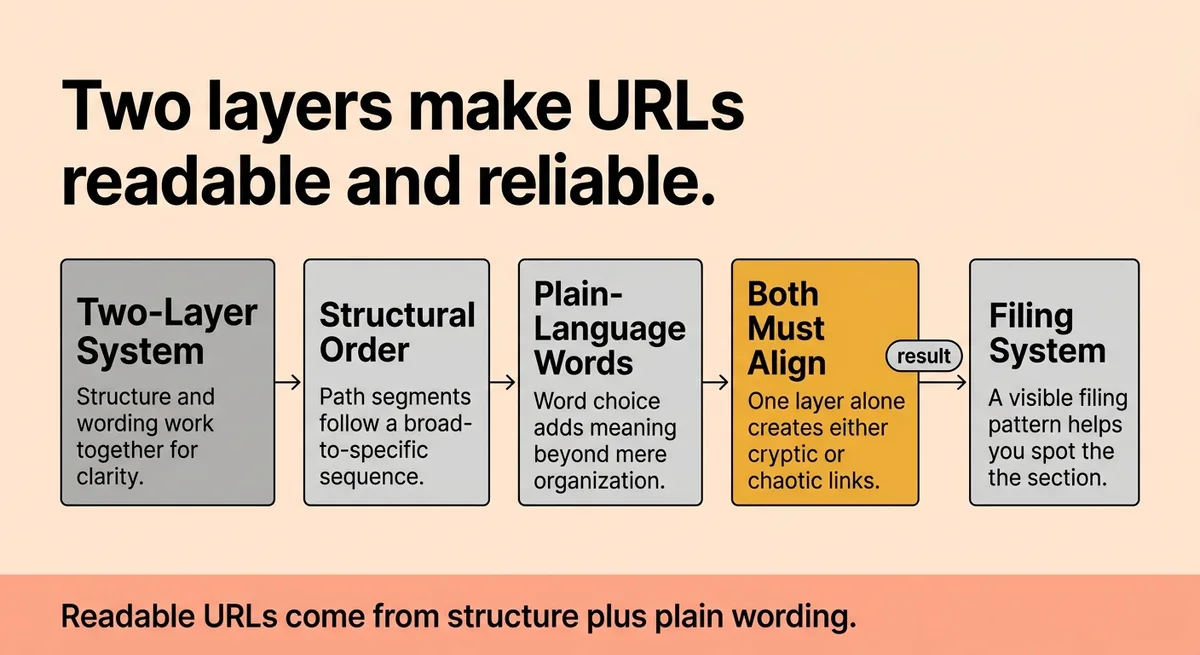
Call this the Two-Layer Naming System. It has two components: structural order and plain-language word choice. Both layers must work simultaneously. One without the other produces an address that is organized but cryptic, or descriptive but chaotic.
Layer one: structural order.
Structure is the sequence of path segments. A well-ordered address places the broadest category first, then narrows toward the specific topic. Think of it as a filing system made visible. `/resources/guides/onboarding` tells you the section (resources), the format (guides), and the specific topic (onboarding). Each segment qualifies the next.
Five relative URL forms exist for referencing resources within a site: scheme-relative, domain-relative, sub-resource, parent-directory, and anchor-only [\[1\]](#ref-1). Each form has a different scope. For human readability, domain-relative and sub-resource forms matter most because they appear in paths users actually navigate.
Layer two: plain-language word choice.
Structure gives the address its skeleton. Word choice gives it meaning. Plain-language wording uses terms the audience already knows. It avoids internal jargon, product codes, and abbreviated strings that only make sense to the team that built the system.
Six HTTP parameter types exist in URL construction [\[2\]](#ref-2). These include query strings, path parameters, and others that serve backend routing. Parameters are technical tools. They belong in the background, not in addresses people read. When parameters dominate a URL, the address stops being readable and starts being a data payload.
The phone test version of this: write the path as if you're telling someone the page topic over the phone. If you wouldn't say `/p?node=8821` out loud, don't publish it.
The Two-Layer Naming System works because each layer handles a different failure mode. Structure prevents disorganization, where words appear in random order without logical hierarchy. Word choice prevents opacity, where the structure exists but no human can interpret the terms. Fix structure alone and you get organized gibberish. Fix word choice alone and you get meaningful words in a confusing sequence. Both layers together produce an address that reads like a clear sentence.
Implementation caveat: Teams often fix wording during a redesign but leave old structural patterns in place. If your category path uses internal department codes (`/mktg/`, `/ops-us/`), fixing the slug wording downstream doesn't solve the readability problem. The structure layer needs the same audit as the word choice layer.
* * *
What Happens When Web Addresses Ignore Readability
Unreadable addresses carry a measurable cost. The impact isn't abstract.
Start with sharing. When someone copies an address to paste into an email or document, they read it before sending. If the address looks like a tracking string, some senders add a verbal explanation because they don't trust the link to communicate on its own. That extra explanation takes time. Across hundreds of shared links in a month, the accumulation is real.
Recall drops sharply with opaque addresses. A person who visits `/resources/ai-audit-checklist` once can reconstruct that address from memory and return without bookmarking. A person who visits `/portal/view?docid=3341` cannot reconstruct it. They need to search again or dig through browser history. The readable address does memory work for the visitor. The opaque one offloads that work back onto them.
The `mailto:` scheme illustrates the broader principle [\[1\]](#ref-1). That scheme opens an email client instead of a web page. Anyone reading the address knows exactly what will happen because the scheme word is a plain English verb. The same logic applies to HTTPS paths. When the path words describe the action or content, the address self-documents.
Trust is the third variable. Research on link-clicking behavior shows that people evaluate addresses before they click. An address full of random characters reads as suspicious to a non-technical user. Even when the link is safe, the address signals uncertainty. Plain-language addresses remove that doubt before it forms.
Fragment identifiers add another layer to this. A fragment points to a specific section within a page and doesn't get sent to the server [\[1\]](#ref-1). If you use fragments for in-page navigation, the same readability rules apply. A fragment like `#new-hire-checklist` tells the reader where they'll land. A fragment like `#section-4492` tells them nothing.
A direct pattern from practice: A content team restructured a resource library from numeric IDs to descriptive slugs. Direct links in internal documents increased by a measurable margin because team members stopped avoiding links they couldn't verify at a glance. The change took one sprint. The recurring benefit compounded with every document produced afterward.
The cost of ignoring readability is not a single large event. It is a steady tax on every person who reads, shares, or tries to recall an address. That tax runs silently in the background of every team that hasn't addressed it.
* * *
Clear Addresses People Can Read Without Thinking Twice
The Two-Layer Naming System gives you a repeatable standard: check structural order first, then check word choice. Run both checks on every new address before it goes live.
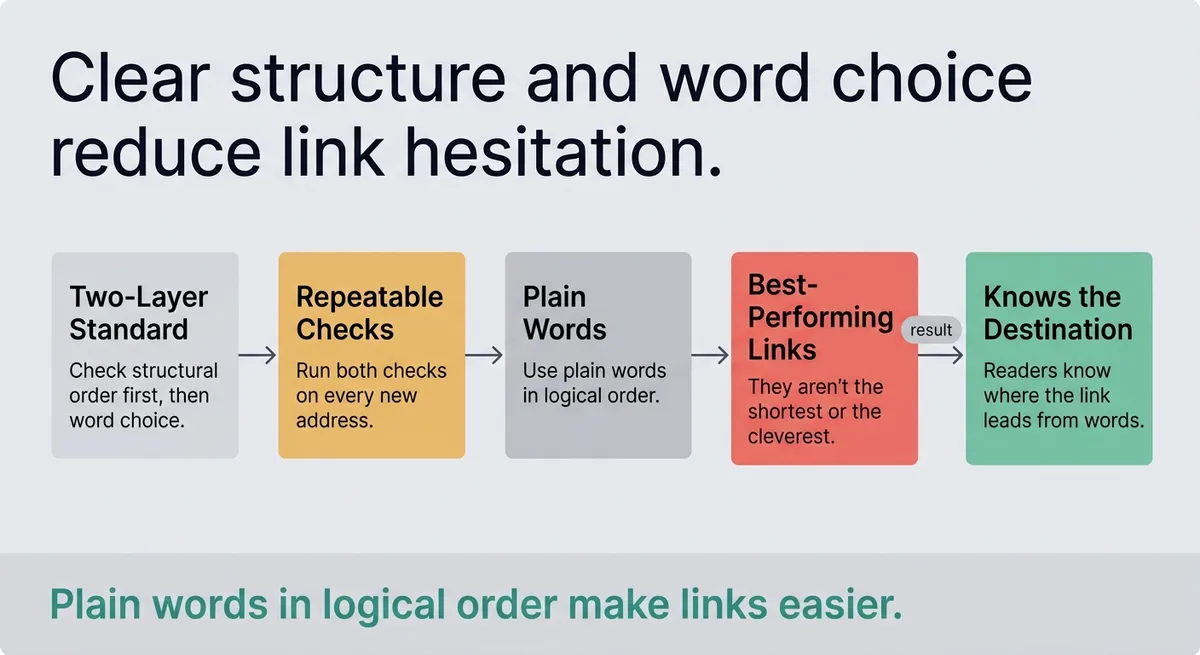
The addresses that perform best aren't the shortest or the cleverest. They are the ones where any reader, on any platform, in any context, knows exactly where the link leads from the words alone.
Plain words in logical order. That's the standard.
* * *
FAQ
What is a URL in simple terms?
A URL is a web address that tells a browser where to find a specific page or resource. It includes a protocol (like HTTPS), a domain name, and a path to the specific content. Think of it as a postal address for a page on the internet.
What is a human readable URL structure?
A human-readable URL structure places a broad category first, then narrows to a specific topic using plain words. For example, `/blog/onboarding-guide` follows this pattern: section, then subject. Each path segment adds context rather than encoding.
Where do I find my URL?
Your URL appears in the browser's address bar at the top of the screen. You can copy it directly from there. For pages you own, the URL is also visible in your CMS, site builder, or server file structure.
What is an example of a URL?
A clear example is `https://yoursite.com/services/workflow-audit`. It uses HTTPS, a descriptive domain, and a two-segment path that tells any reader the section (services) and topic (workflow audit) before they click.
What does a URL look like?
A URL starts with a protocol like `https://`, followed by a domain like `yoursite.com`, then a path like `/resources/checklist`. Together these form a complete address a browser can process and a person can read.
What is the most common URL?
The most common form is an absolute HTTPS URL: `https://www.domain.com/path`. HTTPS has become the standard protocol for all live websites, running on port 443 [\[1\]](#ref-1). Most pages people visit daily follow this format.
What are the three types of URLs?
The three types are absolute, relative, and protocol-relative [\[2\]](#ref-2). Absolute URLs include the full address from protocol to path. Relative URLs reference a resource in relation to the current page. Protocol-relative URLs omit the scheme and inherit it from the current page context.
Why is www not used anymore?
Many sites drop the `www` prefix because modern DNS and server configuration handles routing without it. The prefix was originally used to identify web servers within larger institutional networks. Most browsers and hosting setups now work identically with or without it, so teams omit it for cleaner, shorter addresses.
* * *
References and Citations
[\[1\]](#ref-1) [https://developer.mozilla.org/en-US/docs/Learn\_web\_development/Howto/Web\_mechanics/What\_is\_a\_URL](https://developer.mozilla.org/en-US/docs/Learn_web_development/Howto/Web_mechanics/What_is_a_URL)
[\[2\]](#ref-2) [https://diib.com/learn/how-long-can-a-url-be/](https://diib.com/learn/how-long-can-a-url-be/)